Windows 10 + 11 / Steam / Early Access
A dashboard for the screen you already own.
Widgey keeps your hardware temperatures, weather, scores, markets, clocks and audio visible on a grid you lay out yourself. It stays out of the way until you look at it.
One-time purchase. No account. No subscription.
- Price
- $3.99 once, on Steam
- Widgets
- 100+ all included
- Pages
- 3 each its own layout
- Grid
- Up to 8 × 4 per page
- Community
- Steam Workshop free widgets, sandboxed
- Accounts
- None nothing to sign up for
100+ widgets. Three pages.
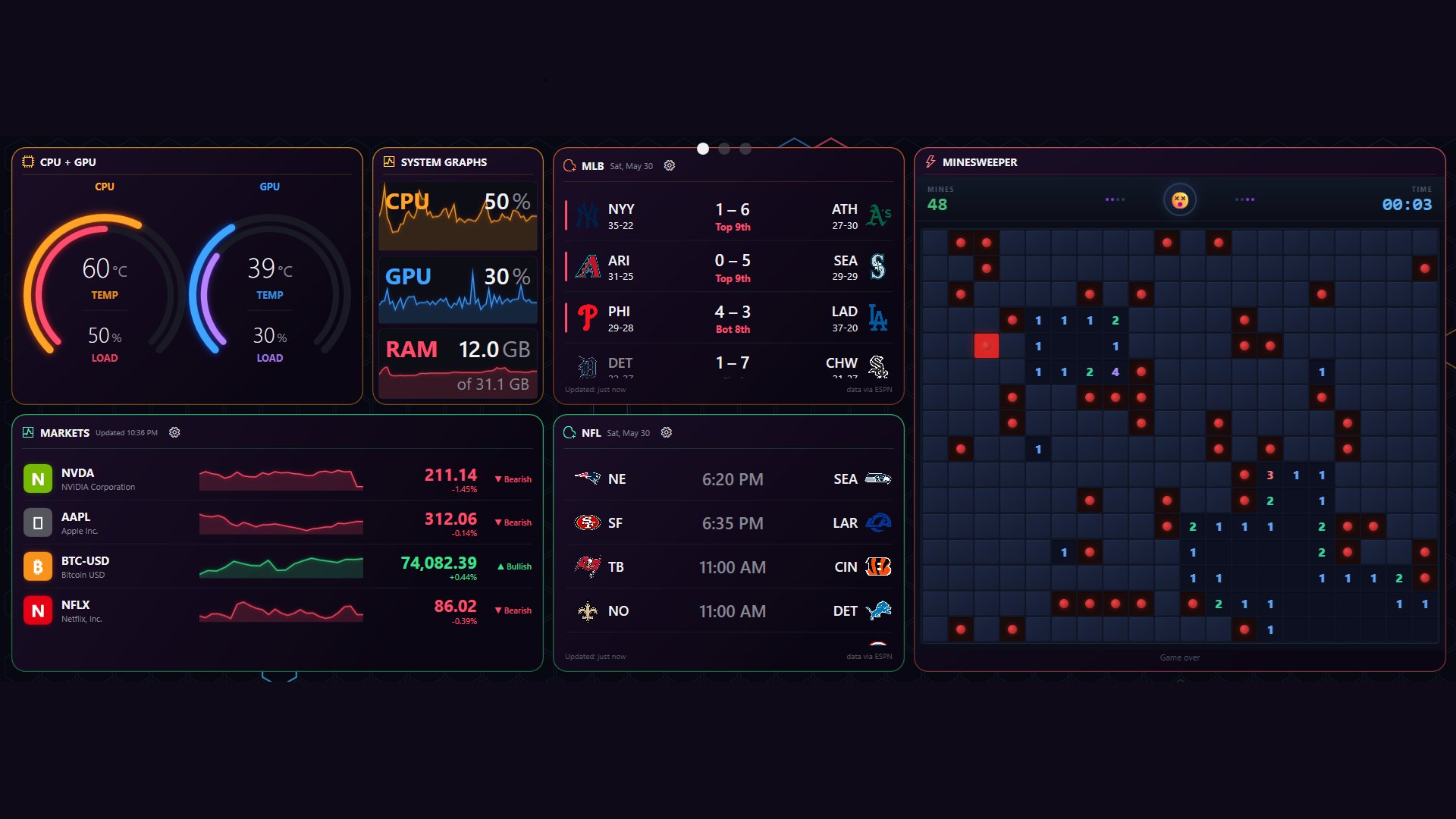
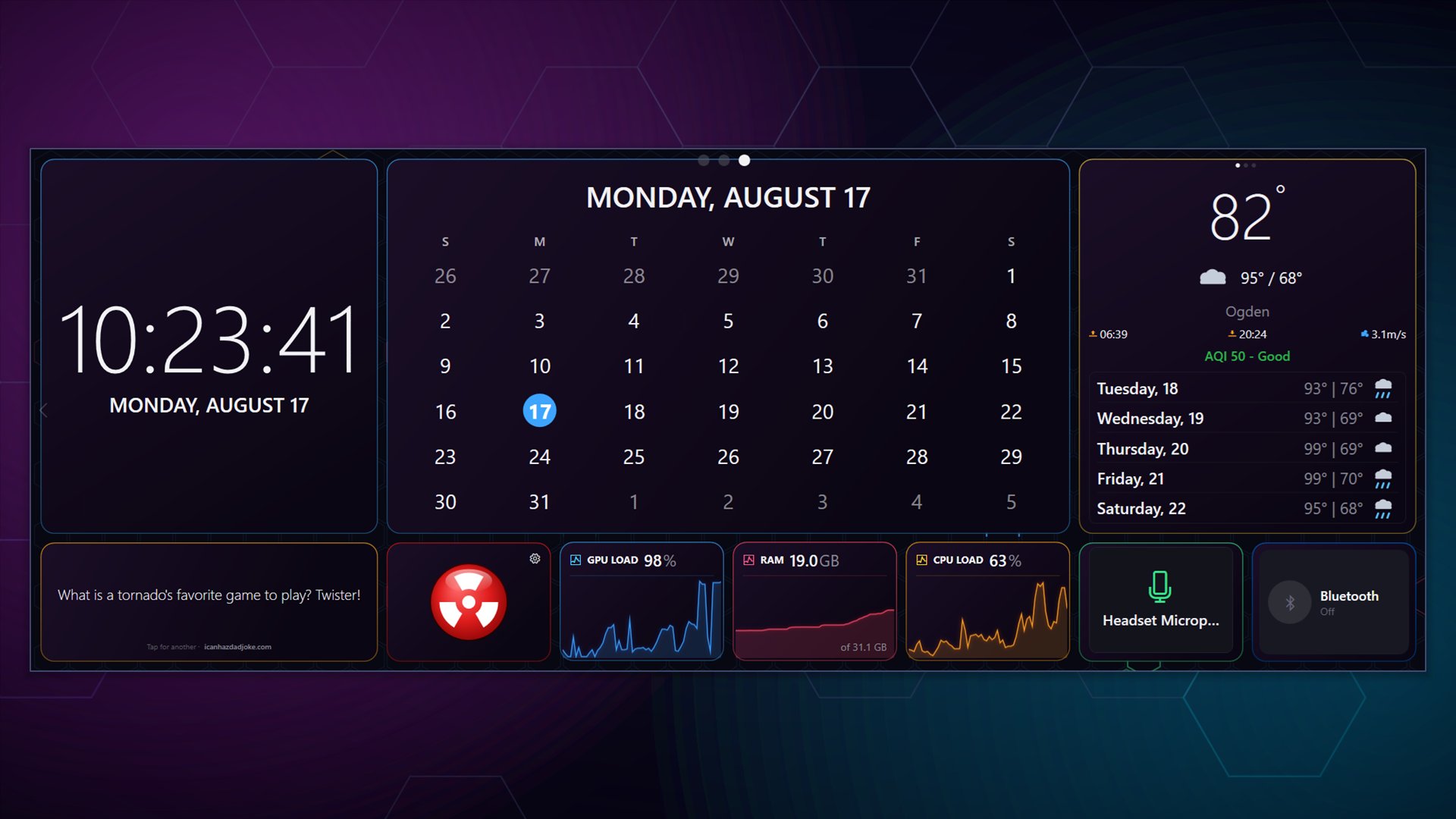
System monitoring, weather, markets, sports, clocks, news, audio visualizers, a few games. Everything ships with the app, nothing is locked behind a tier, and the Steam Workshop adds more for free.
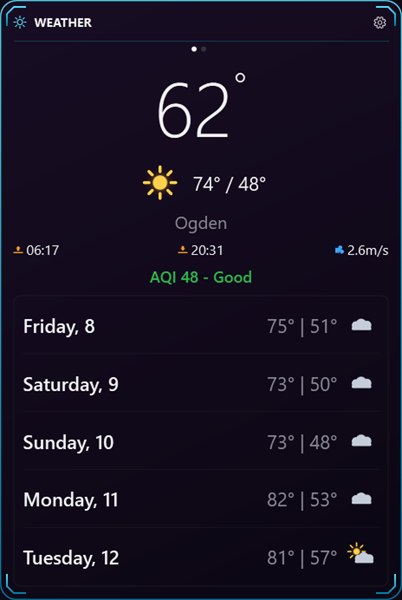
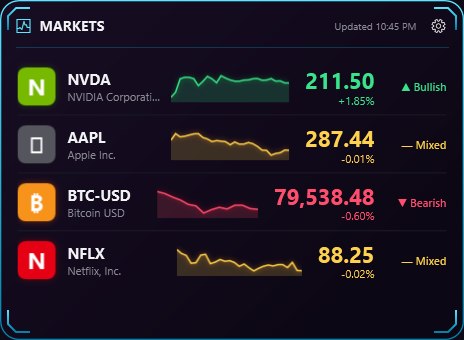
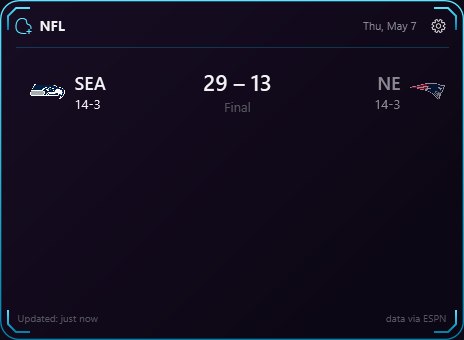
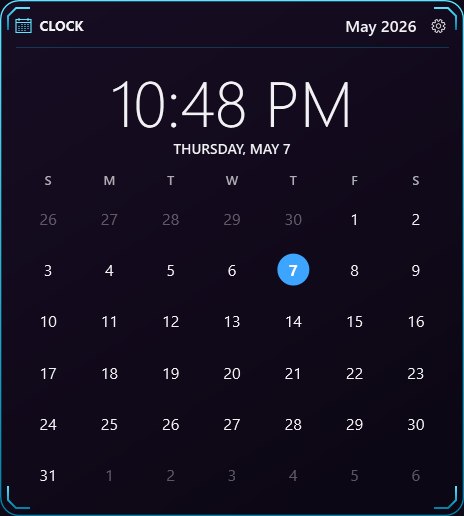
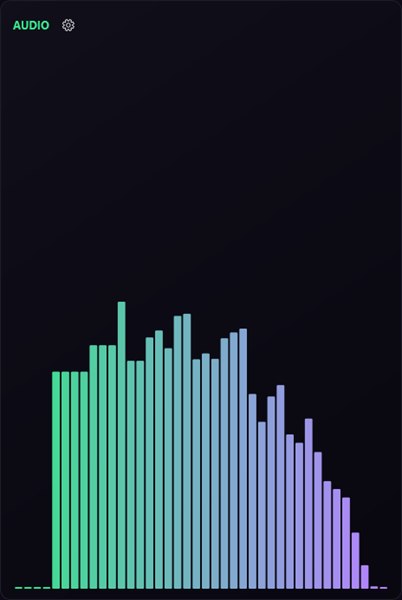
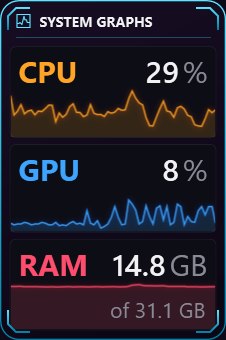
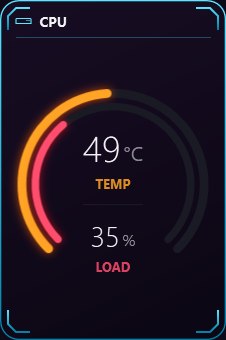
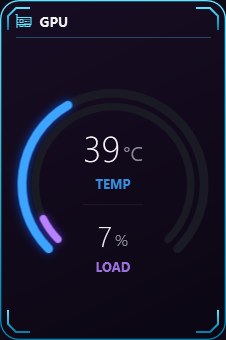
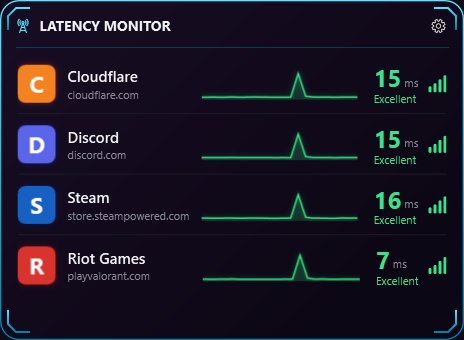
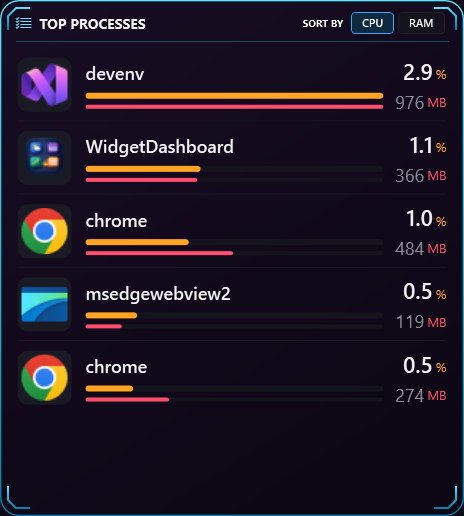
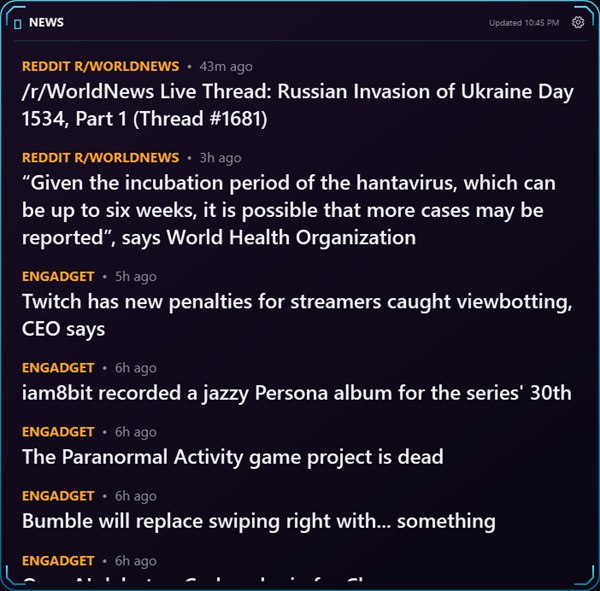
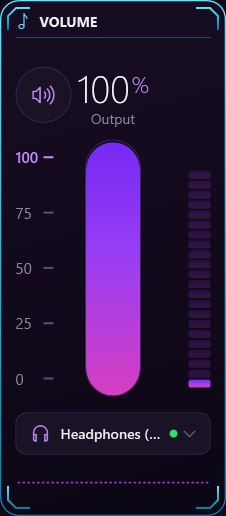
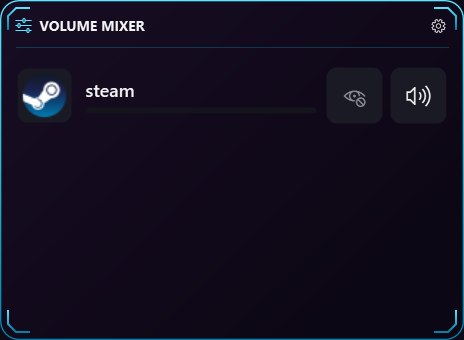
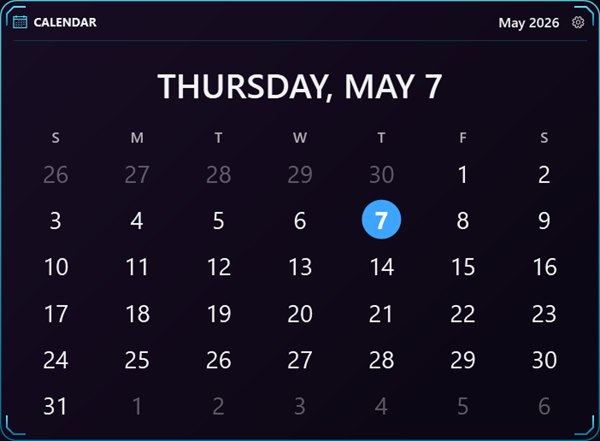
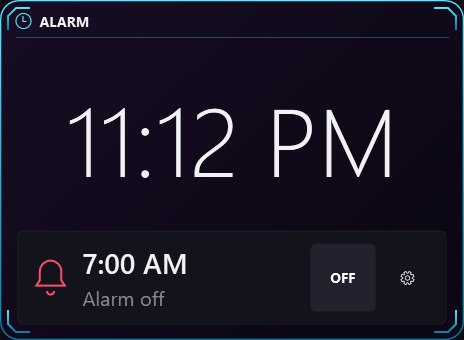
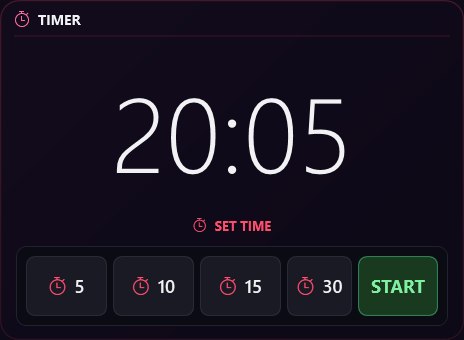
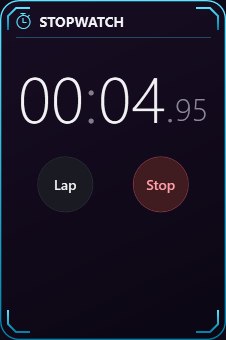


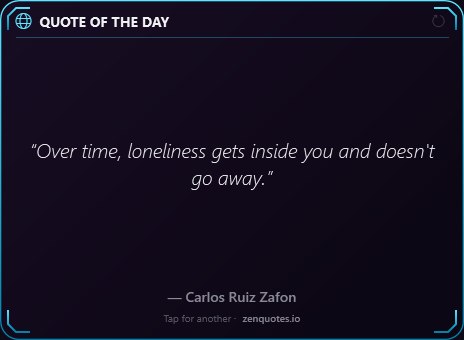
And many more, including dozens of audio-reactive visualizers in their own category, Minesweeper, Magic 8-Ball, a program launcher, network and disk monitors, world clocks and RSS feeds.
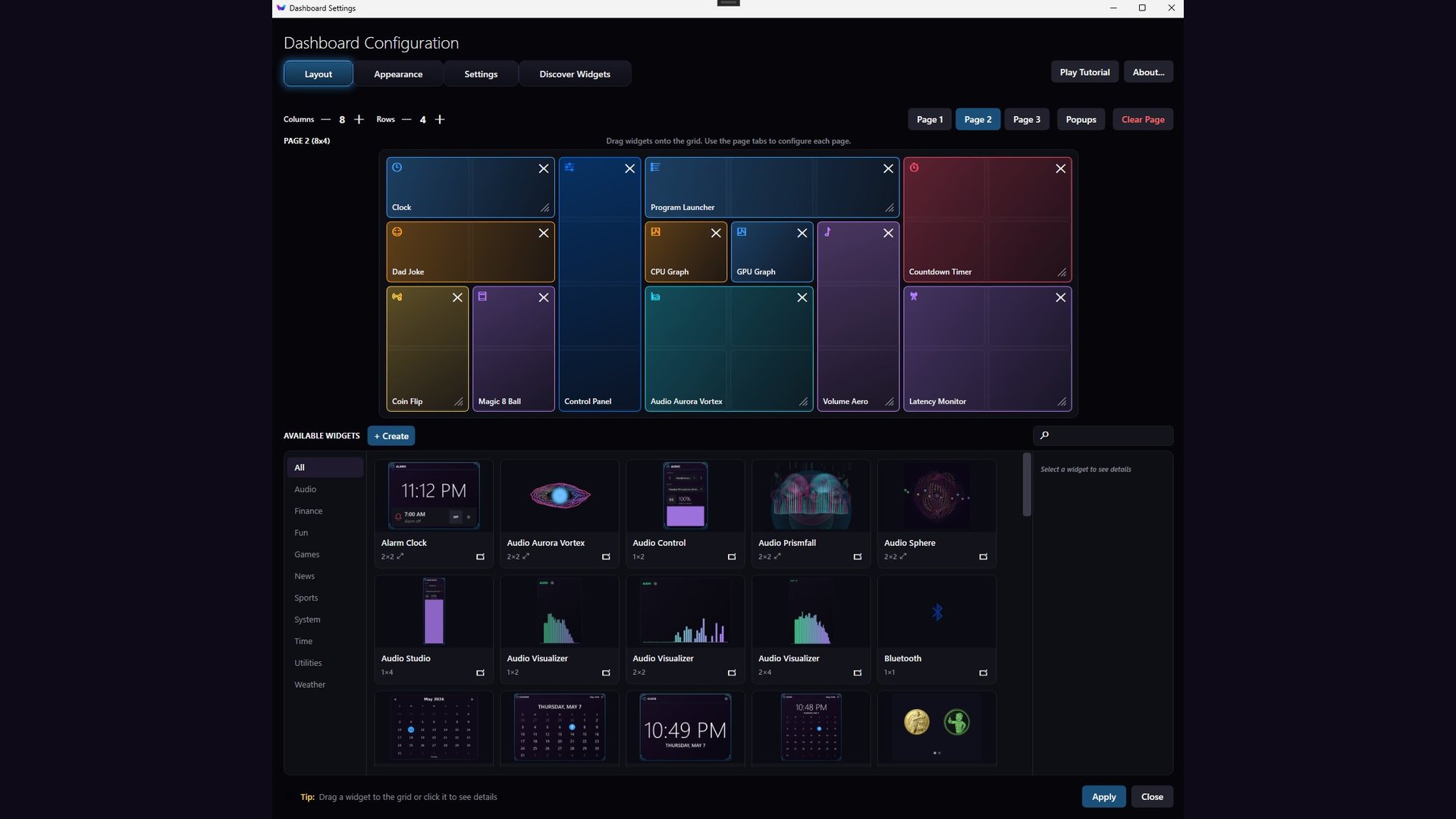
Drag it where you want it.
Pick a grid size, then drag widgets from the palette onto it. That's the whole thing. Every widget declares its own minimum and maximum size, so you can't squash one into a shape it can't render.
- Grid
- Up to 8 × 4 per page. Widgets snap to cells.
- Pages
- Three, each with its own layout. Switch with a keystroke or the scroll wheel.
- Palette
- Browse by category, with a live preview before you place anything.
- Chrome
- One shortcut hides every header for a clean wall of data.
- Settings
- Per widget, behind a gear on the widget itself.
Any widget can pop out of the dashboard.
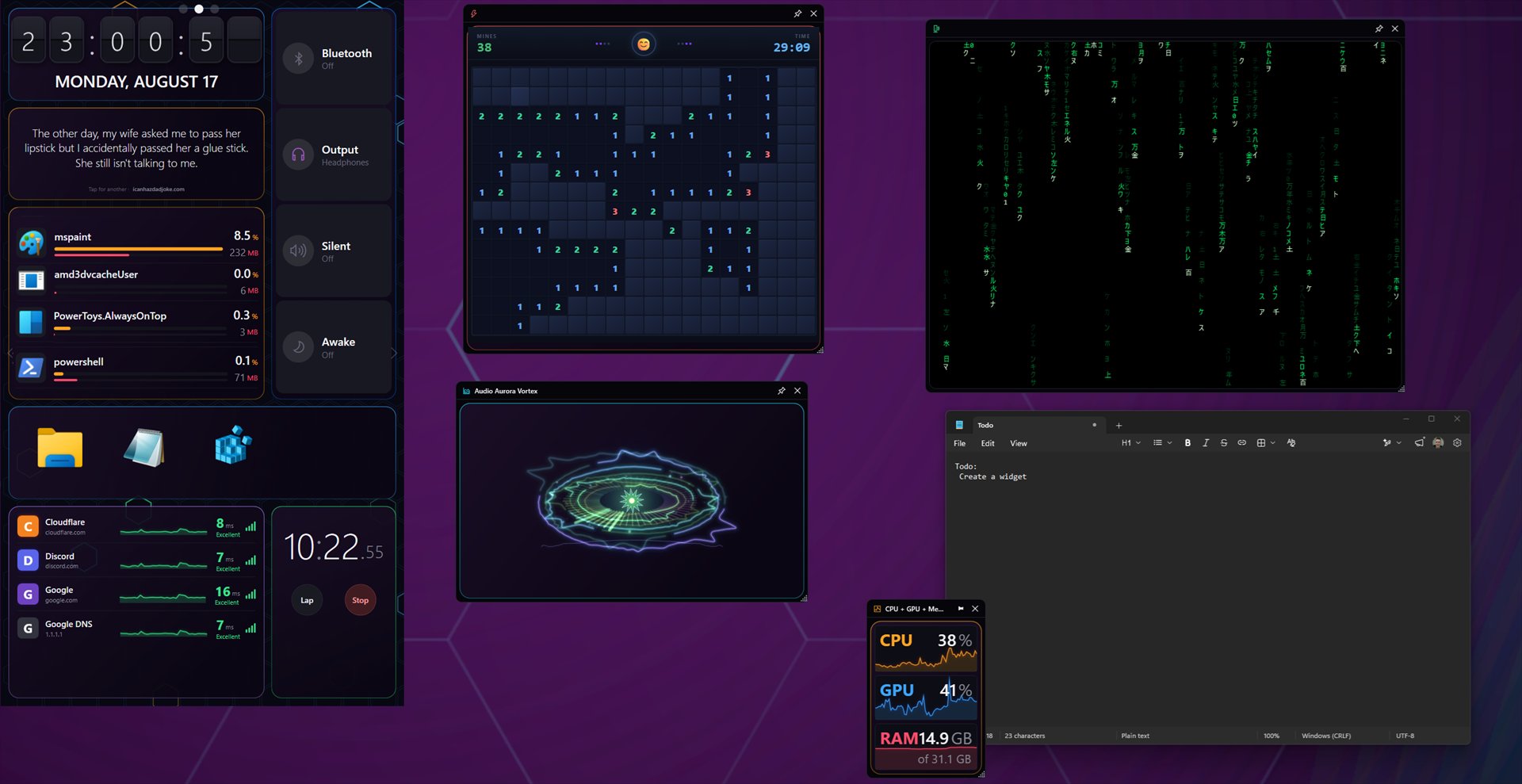
Any widget can leave the grid and become its own small window. Pin it above other apps, park it on a second monitor, tuck it into a corner while you work. Position, size and pin state are remembered, so your desktop comes back the way you left it.
- Pinning
- Always-on-top per window, not all-or-nothing.
- Monitors
- A pop-out saved to a monitor you've unplugged comes back on screen, not off it.
- Startup
- Restored at launch, alongside the dashboard.
Customize the look.
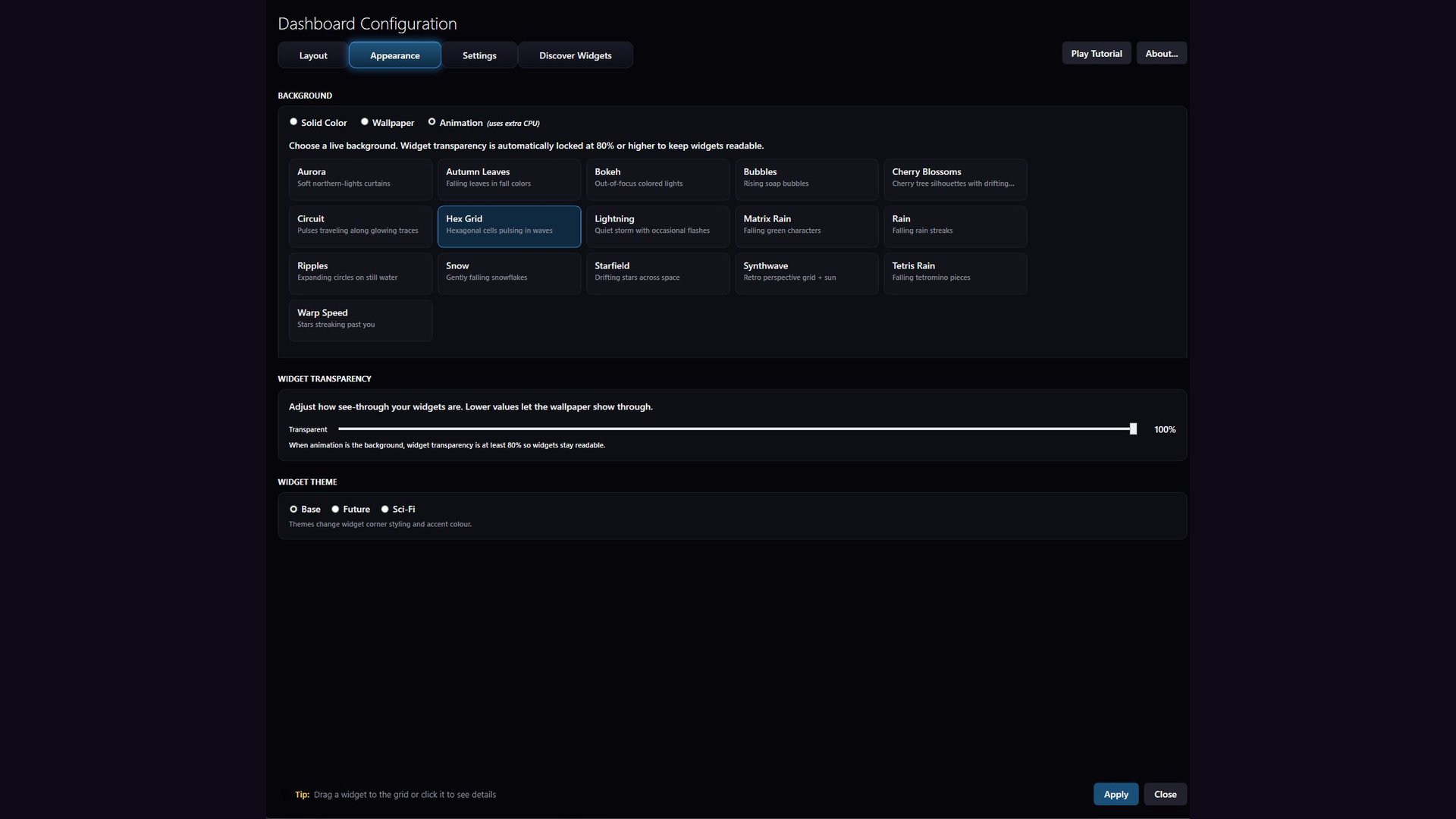
Change the theme and every widget follows: accent colour, card corners, borders, background opacity. Widgets are told when the theme changes and restyle themselves. Community ones do too, so your dashboard doesn't end up looking like a ransom note.
- Background
- Solid colour, your wallpaper, or an animation: aurora, hex grid, rain, starfield, synthwave and more.
- Themes
- Base, Future, Sci-Fi. Corner styling and accent colour.
- Transparency
- Per dashboard, so widgets sit over a wallpaper instead of hiding it.
- Desktop pin
- Widgets live behind your windows, not in front.
100+ widgets. Native Windows app.
Widgey is a native Windows app. It idles quietly, and widgets on a page you are not looking at do not burn cycles keeping themselves current. Hardware monitoring uses a small optional background service, so the temperatures are the real ones.
Real hardware monitoring
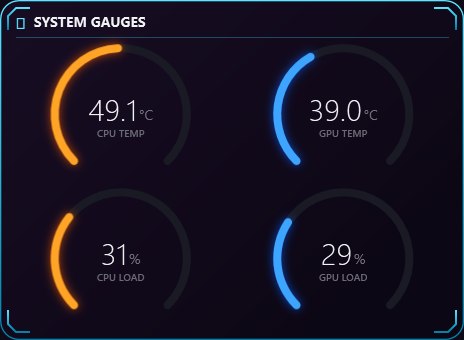
Core temperatures, per-core load, GPU hotspot, fan speeds, memory, disk. These come from an optional background service, so the numbers are measured rather than estimated.
Audio-reactive visuals
A 64-band spectrum of whatever is playing drives the visualizers. Any widget can ask for the same data, so community authors can build their own.
Markets, news, scores
Stocks and crypto with sparklines. RSS headlines. Live scores for football, baseball, basketball and soccer. All of it updates quietly in the background.
Clocks, timers, calendars
Flip clocks, world clocks, alarms, countdowns, a stopwatch, a month view. Ordinary things, done properly, readable from across the room.
Sandboxed by design
Community widgets run in an isolated browser container. No file access. No code execution. No network at all unless the widget names the exact hosts it needs.
Starts with Windows
It does not wait for Steam. Steam is only needed for the Workshop, and if Steam starts later, your Workshop widgets appear on their own.
If you can write a web page, you can write a widget.
A widget is a folder with an HTML file and a manifest. No SDK, no build step, no compiler. Write it, drop it in the folder, and Widgey reloads it every time you save. When you are happy with it, publish to the Steam Workshop from inside the app.
A small bridge hands you saved settings, live hardware sensors, the audio spectrum, and a heads-up when the theme changes. Everything else is the web platform you already know.
Read the creation guideOr try the playground in your browser first.
{
"name": "Server Ping",
"description": "Latency to my game servers",
"version": "1.0.0",
"author": "you",
"glyph": "",
"category": "Utilities",
"permissions": ["network"],
"networkHosts": ["api.example.com"]
}// widgey is injected before your scripts run.
const host = (await widgey.settings.get('host'))
|| 'api.example.com';
const t0 = performance.now();
await fetch(`https://${host}/ping`); // host is in networkHosts
const ms = Math.round(performance.now() - t0);
document.querySelector('#ms').textContent = ms + ' ms';It started as a replacement for the iCUE dashboard.
We wanted a screen that stayed useful while a game was running. iCUE gave us a dashboard, but not one that could be shaped around what we actually cared about. So we started building our own, and it turned into this.
The things we check constantly are the things that got built first. Server latency, so you know whether it is you or the game. Volume, without alt-tabbing. What is eating the CPU when the fans spin up. Then some things that are just fun, because a screen you stare at all day should have something on it worth looking at.
The grid is 240 by 180 pixels per cell. That size comes from a 1920 by 720 display, the kind of secondary panel that mounts under an ultrawide, which divides into exactly 8 columns by 4 rows.
Common questions.
The full list, including troubleshooting, is on the FAQ page.
Will it slow down my games?
Widgey is a native Windows application rather than a packaged web browser, and it idles when nothing needs redrawing. Widgets update on their own schedules. A clock ticks once a second, a news feed every few minutes, so an idle dashboard is barely doing anything.
Animated widgets like the audio visualizers do real work while they're visible. If you're chasing every frame, put those on a page you're not looking at, or close the dashboard to the tray while you play.
Does Steam have to be running?
No, and that is on purpose. Widgey starts with Windows, and making your clock wait for a game client to finish booting would be a bad trade.
Steam is only needed for the Workshop: browsing, installing and publishing community widgets. If Steam starts up after Widgey does, Widgey notices and your Workshop widgets appear on their own, without a restart.
Is it really a one-time purchase?
Yes. One payment on Steam, no subscription, no in-app purchases, no ads, and no account to create. All 100+ built-in widgets are included, and community widgets on the Workshop are free.
Are community widgets safe to install?
Each one runs inside its own sandboxed browser container with no access to your files, no ability to run programs, and no network access at all unless it declares the exact hosts it needs, which you can read before installing.
Widgets are also validated on your machine every time they load, not just when published, and there's a kill switch that stops a widget loading everywhere if a real problem is found.
Do I need multiple monitors?
No. Plenty of people run it on one screen, pinned to the desktop behind their windows, or pulled up with a shortcut when they want it. A second monitor is nice, not required.
$3.99, once.
Early Access, which means it is still being added to. Every update is included, and the price goes up as it grows.
Windows 10 & 11 · 64-bit · Steam's standard refund policy applies